Introduction
Welcome to the Overview of Cyber-Lab
Technologies included:
pfSense, Kali Linux, Windows, Docker, Portainer, Metasploitable, Proxmox
Network Architecture Plan
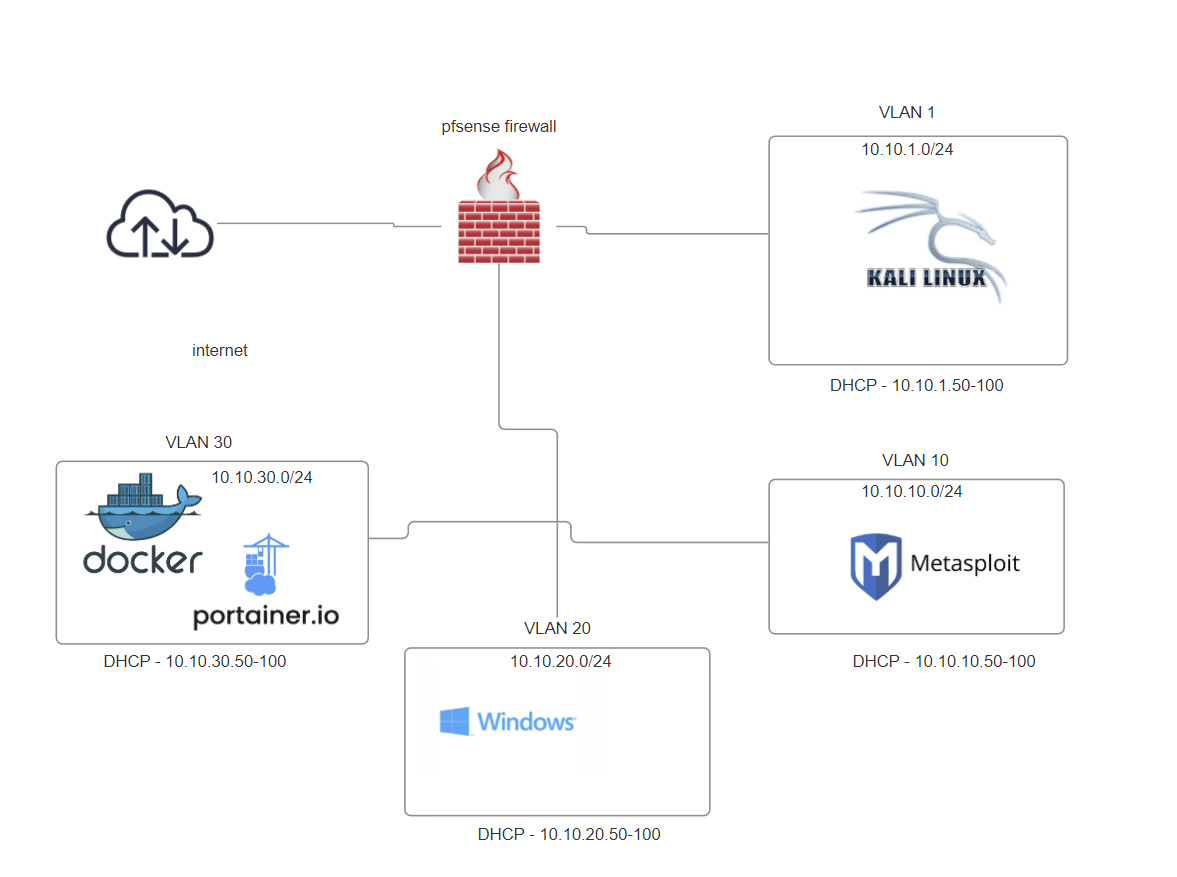
Lab Setup Instructions
Plan
- Installing pfSense Firewall
- Kali Linux for managing the firewall and conducting attacks
- Docker and Portainer for running vulnerable applications
- Metasploitable 2 as a vulnerable machine
Setup Overview
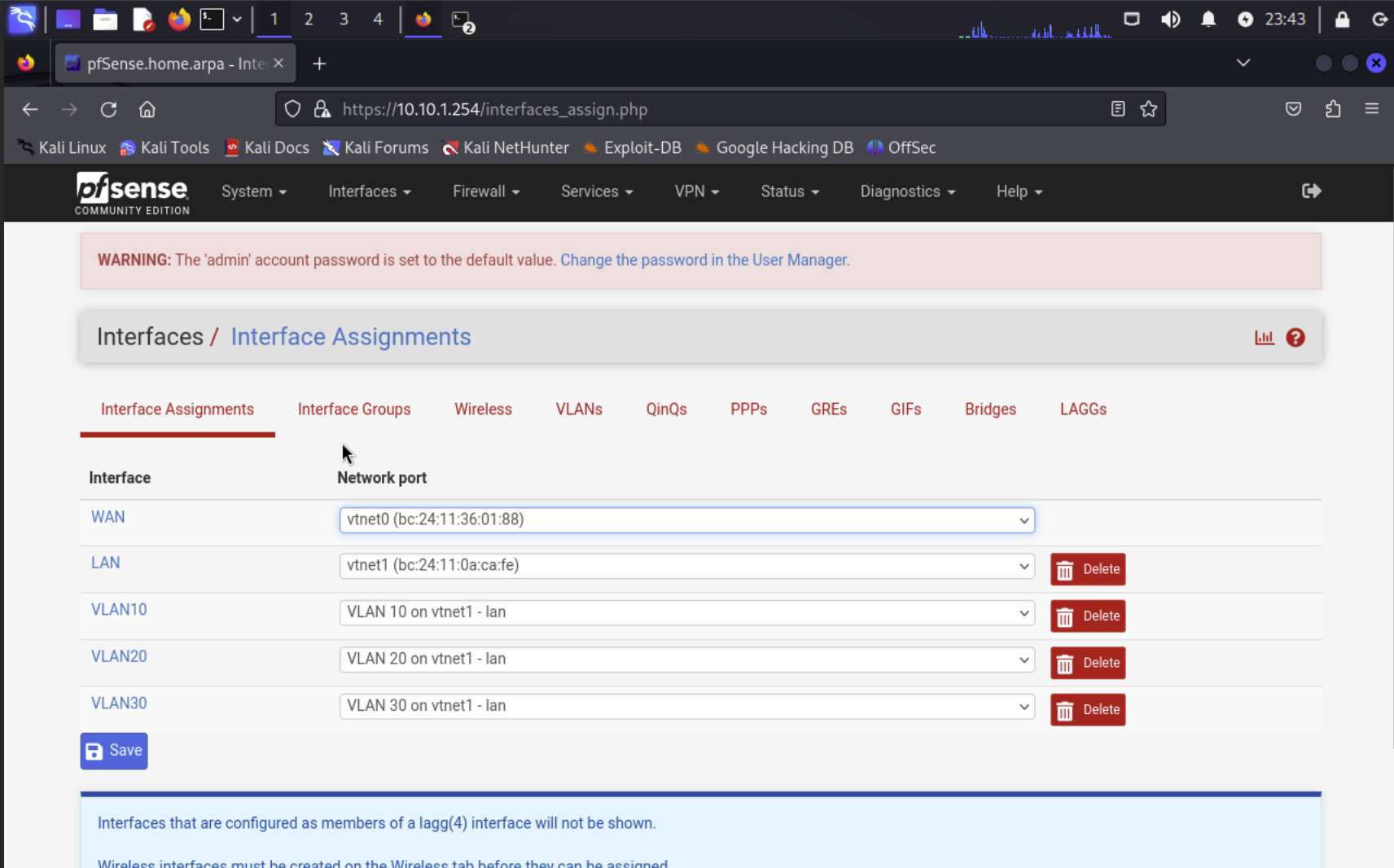
1. Configure pfSense Firewall
Purpose: Control and monitor all traffic within your lab network.
Instructions: Follow pfSense documentation to set up basic configurations such as interfaces, firewall rules, and NAT.
- Obtain pfSense ISO from the website
- Create a VM and install
pfSense Configuration
2. Install Kali Linux
Purpose: Use Kali Linux as the main attack machine and for managing the pfSense firewall.
Instructions: Ensure Kali Linux is properly networked with pfSense and other lab components.
- Obtain Kali ISO from the Kali website
- Create a VM and install
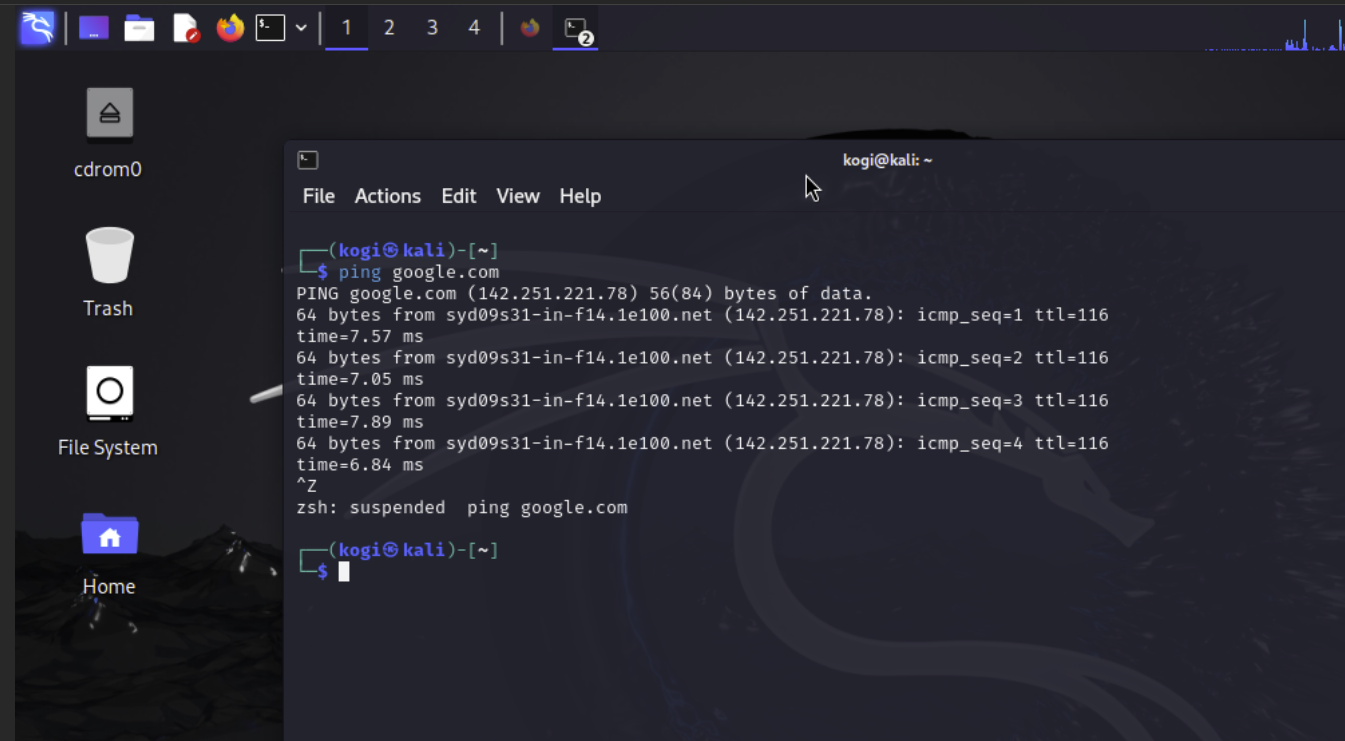
- Test connection to the internet
Kali Linux Test
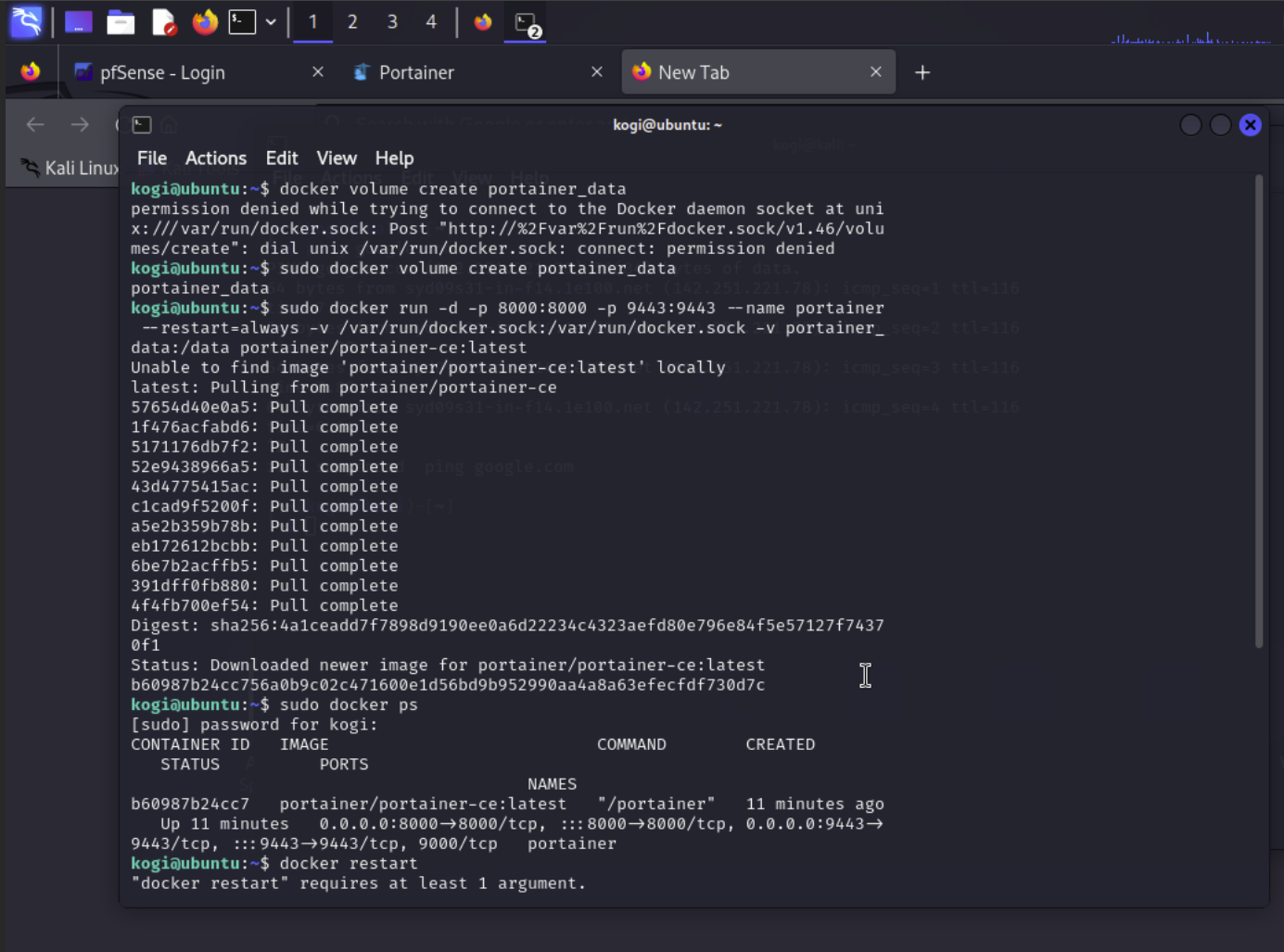
3. Set Up Docker for Vulnerable Applications
Purpose: Use Docker to run vulnerable applications and services.
Instructions: Install Docker and pull the necessary vulnerable images.
- Create the Docker VM in Proxmox
- SSH into Docker VM through Kali
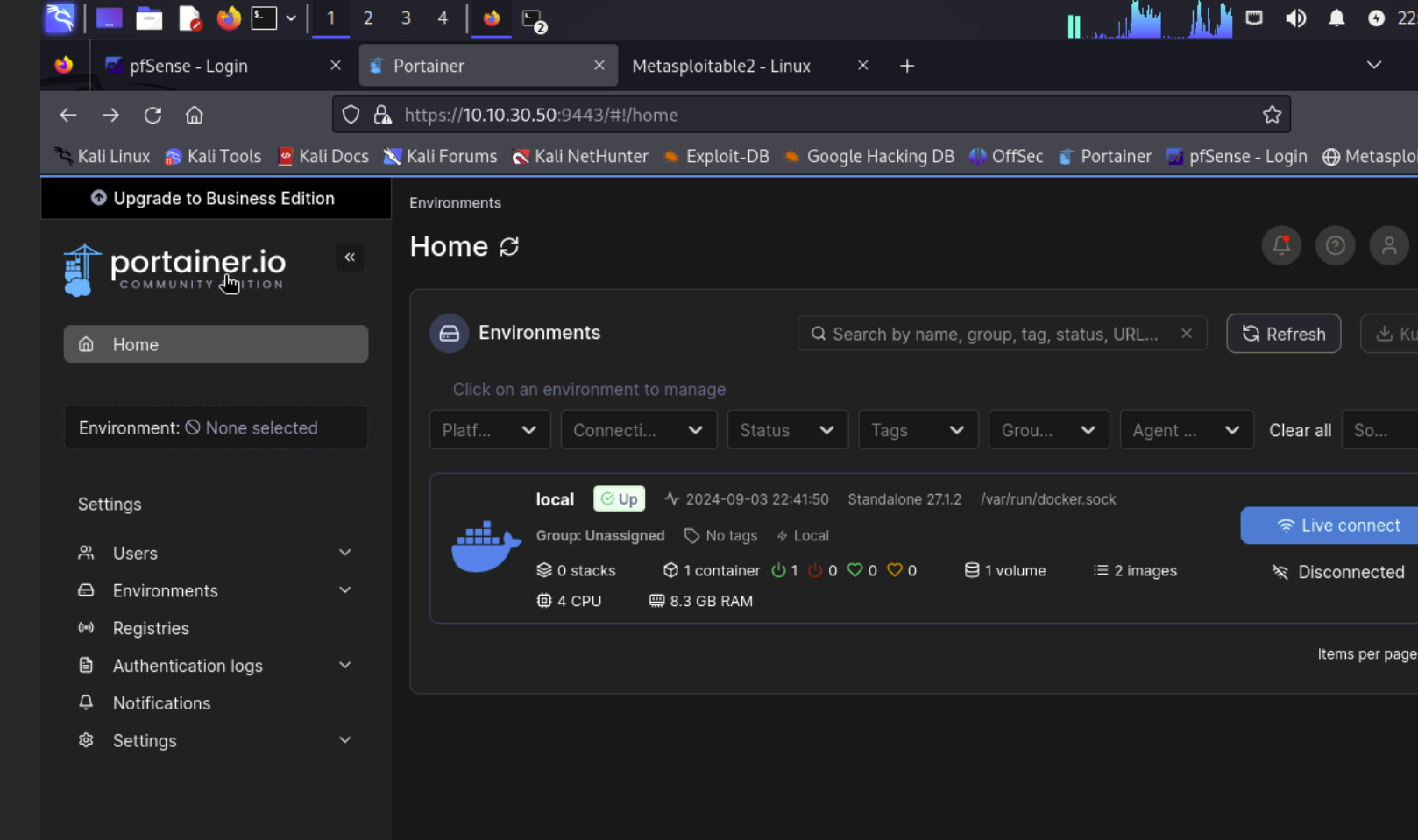
- Install Portainer as a Docker container
- Manage Portainer through port :9449
Portainer
4. Install Metasploitable 2
Purpose: A pre-made vulnerable machine to understand and exploit common vulnerabilities.
Instructions: Ensure Kali Linux is properly networked with pfSense and other lab components.
- Create a VM without an image
- SSH into Proxmox, locate the VM files, and add the image to the configuration files
- Start the VM and finish configuration
- Test the finished install from the Kali machine
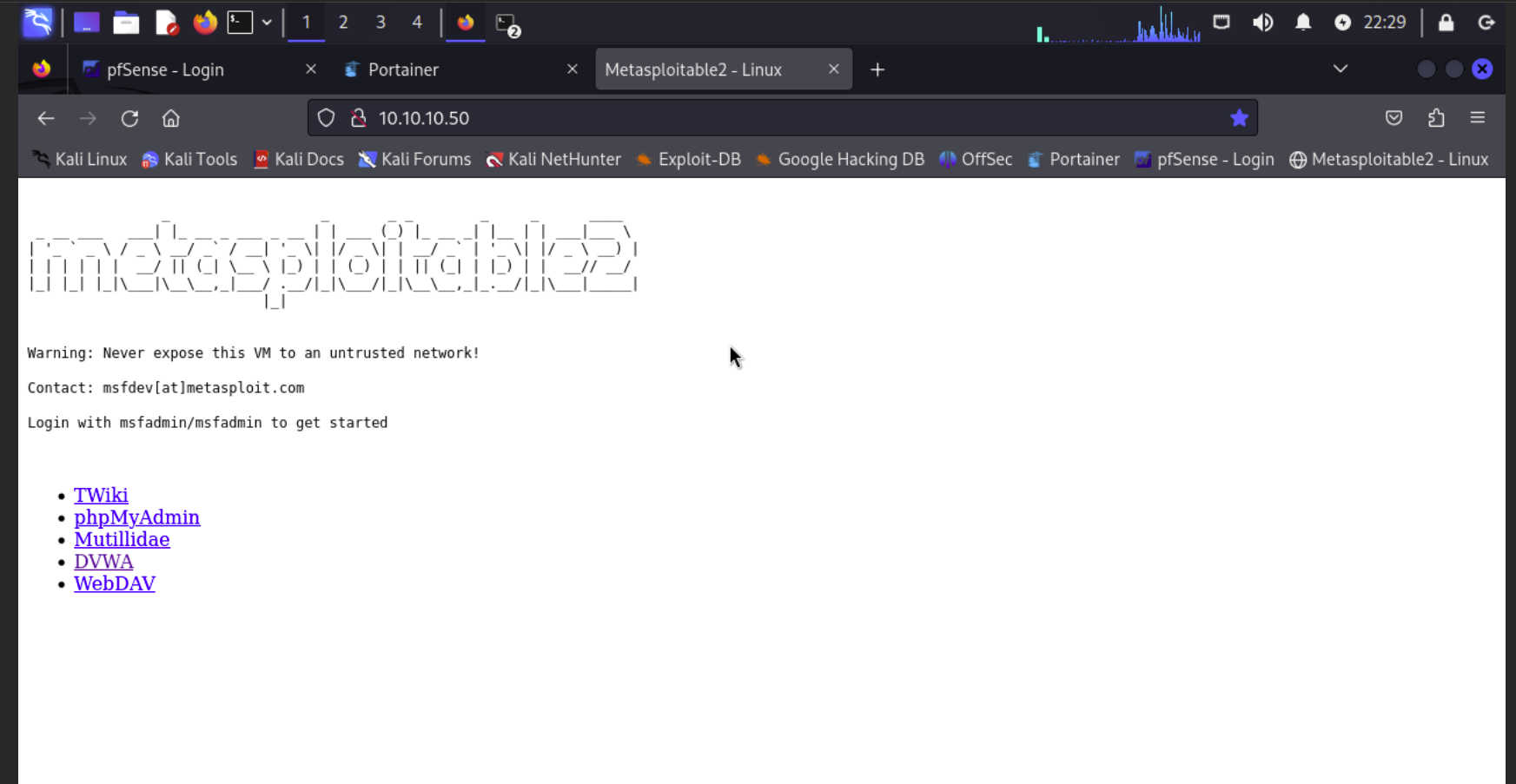
Metasploitable 2 Web Test